From Idea to AI-Powered MVP with RAG: The 2026 Playbook for Devtools & SaaS Founders
By Surya Pratap
March 16, 2026
10 min read
AI RAG · Devtools · SaaS
If you're building devtools or a SaaS product in 2026, your real moat isn't just features — it's how smart and helpful your product feels. Dashboards, docs, and static workflows are table stakes. The teams winning on X and in demo days are shipping products where users can ask questions like “What's actually going on here?” and get grounded, trustworthy answers powered by Retrieval-Augmented Generation (RAG).
AI insights layerHover to explore
RAG turns your existing data — logs, metrics, CRM, tickets, docs — into an intelligent layer that explains, summarizes, and suggests next actions directly in your product.
This post is a focused playbook for devtools and SaaS founders who want to go from idea to AI-powered MVP fast — without hallucination-driven churn or a complete rebuild six months later. We'll start from the workflows that matter, then work backwards into data, architecture, and UX.
1. Pick one painful workflow, not “AI everywhere”
Most failed AI MVPs inside devtools and SaaS start from a vague idea: “Let's add a chatbot to our product.” The successful ones start from a brutally specific workflow and ship a copilot that makes that one thing dramatically easier.
Devtools: “On-call engineer pastes a trace or error and gets a likely root cause plus next debugging steps.”
SaaS: “CSM opens an account page and gets a concise health summary, risks, and a suggested outreach email.”
Founder: “Founder types ‘Why did MRR dip this month?’ and sees an explanation grounded in billing, usage, and support data.”
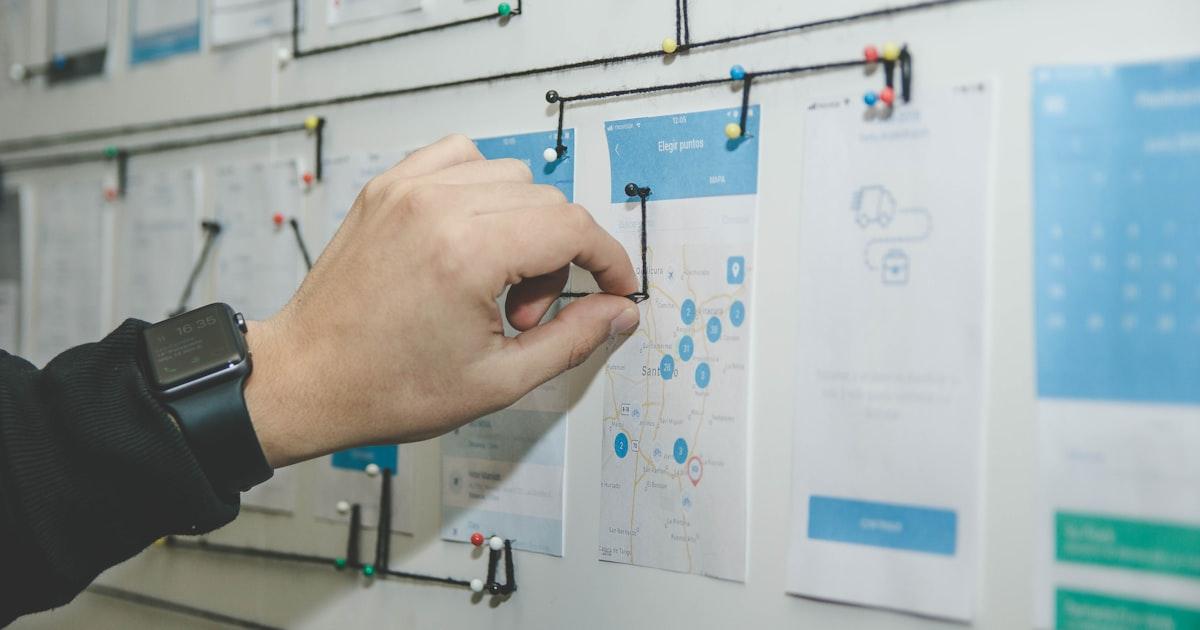
Narrow the scopeHover to explore
If your first AI spec has more than one primary user and one primary workflow, it’s not an MVP — it’s a roadmap. Start with the one workflow where AI + your data is obviously 10x better than the status quo.
2. Design your data slice before you design the UI
In a RAG product, the model is the interface — but the data is the product. The difference between a magical assistant and a hallucination machine usually isn't the LLM; it's whether you picked the right data slice and structured it well.
For a devtools incident copilot, your MVP data slice might be: 7–30 days of logs around incidents, alert history, recent deploys, and incident runbooks.
For a SaaS account health copilot, it could be: billing events, key product usage events, CRM notes, and support tickets for your top 50 accounts.
Attach metadata from day one: account ID, environment, service, feature, severity, date. This is what lets you filter and rank retrieved chunks intelligently.
Data-first thinkingHover to explore
Instead of asking ‘Where do we put the AI chat box?’, ask ‘Which 3–5 sources of truth does this assistant need to see to be reliably useful?’ Then model and index those first.
3. A simple RAG architecture that fits in one diagram
You don't need a research lab stack to launch an AI MVP. Most devtools/SaaS teams shipping in weeks follow a simple pattern:
Frontend: a focused UI surface (incident view sidebar, account page assistant, or “Ask your data” panel).
AI API: a single backend endpoint that authorizes the user, embeds the query, retrieves relevant chunks from a vector DB, constructs a prompt, and calls your LLM provider.
Vector store: Pinecone, Weaviate, Qdrant, pgvector, or a managed offering that holds your embeddings plus metadata filters.
Source-of-truth storage: wherever your raw logs, analytics, docs, and tickets already live — ETL'd into an ingestion pipeline.
RAG architectureHover to explore
The MVP goal isn’t to build every possible agent and workflow. It’s to prove that one end-to-end path — from user question to retrieved context to grounded answer — works reliably for your core use case.
4. Prompt for truth, not just eloquence
Great RAG prompts for devtools and SaaS don't just ask the model to “answer the question.” They define the assistant's role, how to use the retrieved context, and how to behave when the context is thin or ambiguous.
Tell the model it is a debugging assistant or revenue intelligence assistant, not a generic chatbot.
Instruct it to use only the provided context and explicitly admit when the context isn't sufficient.
Ask for next actions and links to sources instead of just a narrative answer.
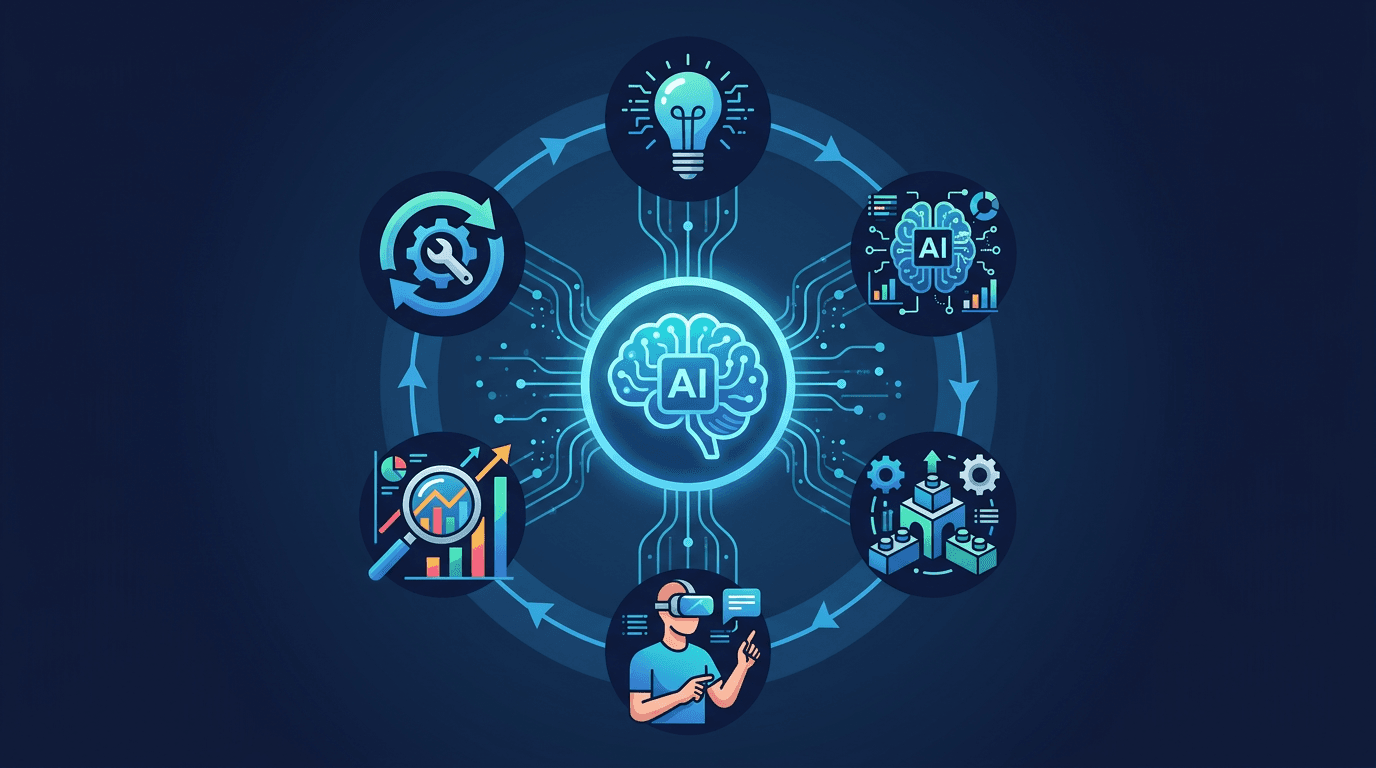
Prompt + eval loopHover to explore
Think of your prompt and retrieved context as part of your product surface area. You can (and should) iterate on them the same way you iterate on UI copy or onboarding flows.
5. Two concrete MVPs you can ship in weeks
To make this tangible, here are two RAG MVPs we see devtools and SaaS founders successfully shipping — often in under a month.
Devtools: “Explain this incident” copilot
User: On-call engineer or SRE.
Input: incident ID, alert name, or trace ID.
Data: logs around the incident window, alerts, metrics, deploys, and past similar incidents.
Output: a short incident summary, likely causes, and 3–5 concrete next debugging steps, with links to the exact dashboards/logs it used.
SaaS: “Account health” copilot
User: CSM, founder, or AE.
Input: account name or segment.
Data: plan + billing, feature usage, support tickets, NPS, and CRM notes.
Output: health score with explanation, key risks/opportunities, and a suggested outreach email draft, all with citations.
Ship the sliceHover to explore
Both MVPs live on a single screen, tied to one workflow, with a clear business win: faster incident resolution or better account outcomes. That’s the level of focus investors and early users respond to.
6. Guardrails to avoid the dreaded “RAG rebuild”
A lot of founders on X share the same story: they ship an AI MVP that demos well, then realize six months later they need to rebuild everything around proper RAG, permissions, and evaluation. You can skip that pain by baking a few constraints in from day one.
Always enforce org-, user-, and role-level filters in your retrieval layer so customer data never leaks across tenants.
Log queries, retrieved chunks, and answers together so you can audit why the model said what it did.
Make “I'm not sure” and “Escalate to human” valid outcomes in your UI, not errors.
“For devtools and SaaS founders, RAG isn't a research toy — it's how you turn the messy data you already have into a trustworthy assistant your users will actually bet their work on.”
If you anchor your idea-to-MVP journey around a single painful workflow, a carefully chosen data slice, and a lean RAG architecture, you can ship an AI copilot that feels genuinely valuable in weeks — not months. From there, every new workflow is just another slice on top of the same foundation.



 AI insights layerHover to explore
 Narrow the scopeHover to explore
 RAG architectureHover to explore
 Prompt + eval loopHover to explore
 Ship the sliceHover to explore