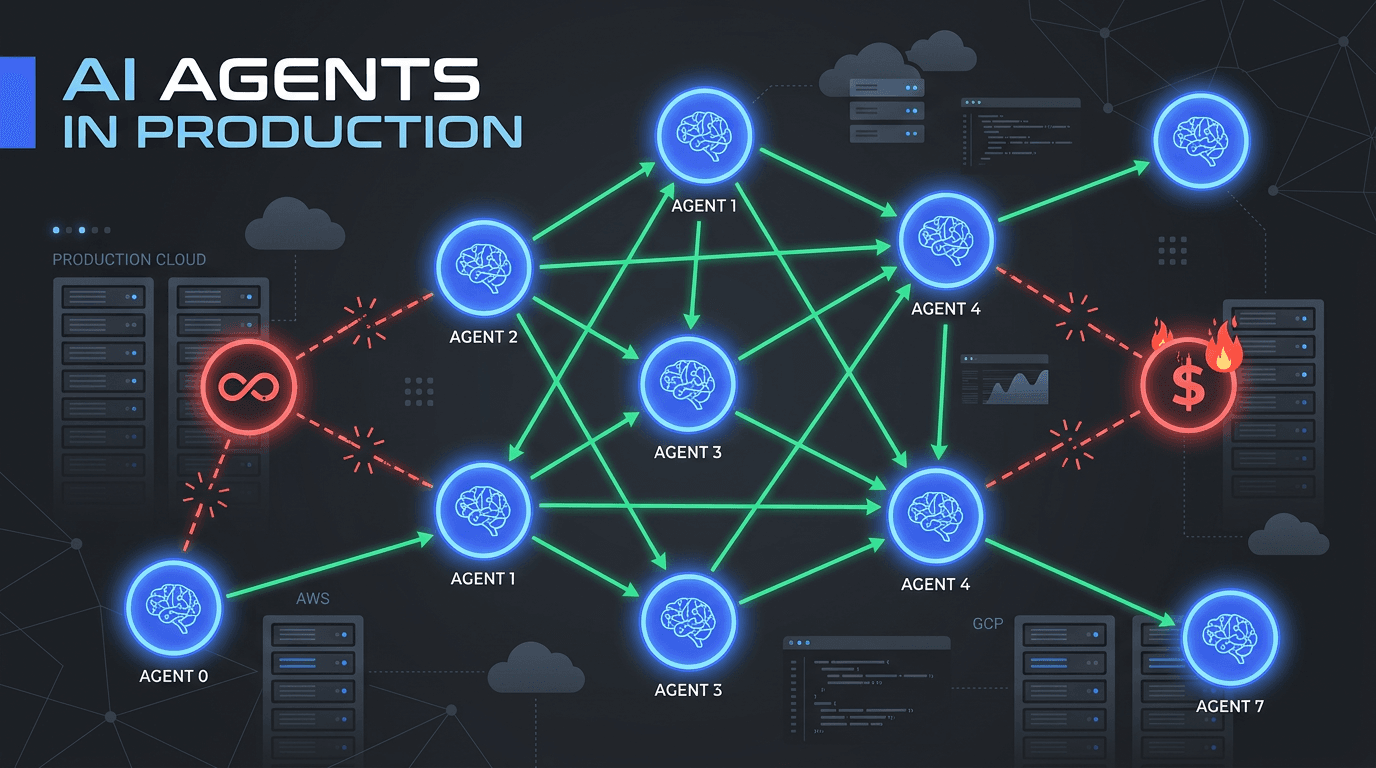
Claude Code /loop Command: How to Use It for Smarter Coding Workflows in 2026

By Surya Pratap
July 3, 2026
8 min read
AI & Technology

July 3, 2026
8 min read
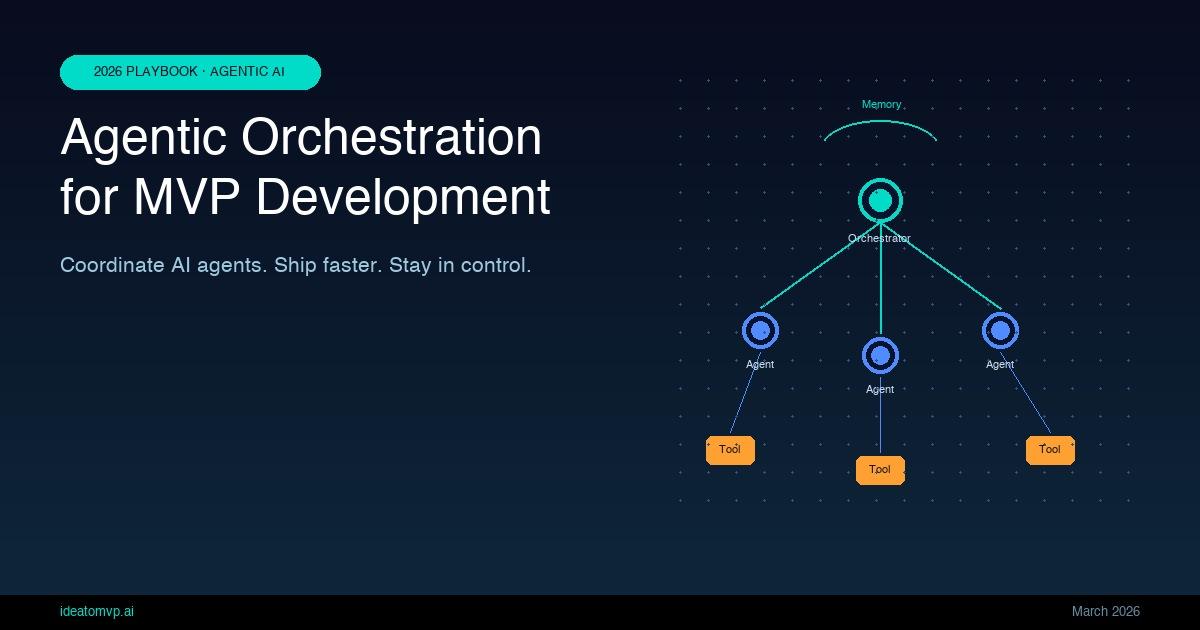
If you have used Claude Code for more than a few sessions, you have probably run into a moment where you wished the AI would just keep going — watching a build, polling for a change, re-running something every few minutes — without you having to babysit it. That is exactly what /loop is for.
This guide explains how /loop works, when it makes sense to use it, and how to wire it into real development workflows — from monitoring CI runs to running iterative refactors across a large codebase.
/loop is a built-in slash command in Claude Code that tells the agent to repeat a task on a schedule — or to self-pace its own iterations — instead of stopping after one turn. It is designed for situations where you need something to happen repeatedly: checking a status, continuing a long-running refactor, polling an external system, or watching for a condition to become true.
At its simplest, the command looks like this:
/loop <interval_in_seconds> <your prompt here>
For example, to check the status of a CI run every 60 seconds:
/loop 60 Check if the GitHub Actions workflow has finished. Report the status and stop looping if it passed or failed.
Claude will re-run that prompt every 60 seconds, using all its available tools (Bash, file reads, web fetches), until either the condition resolves or you interrupt it.
There are two ways to use /loop, and understanding the difference matters for how you frame your prompts.
Pass a number of seconds as the first argument. Claude wakes up at that interval, runs your prompt, and goes back to sleep. This is the right mode for polling external systems — CI pipelines, deploy statuses, API health endpoints — where there is a real-world clock driving when things change.
/loop 120 Run npm test and report which tests are failing. Stop if all tests pass.
Omit the interval and Claude decides its own cadence based on context — how much work is left, how long each iteration takes, and what makes sense for the task. This is useful for open-ended agentic work where you want Claude to keep going without a fixed clock — for example, refactoring a list of files one by one, or working through a backlog of issues.
/loop Go through each file in src/components/ and add missing TypeScript types. Work through them one at a time, commit after each file, and stop when all are done.
You push a branch and need to know when the pipeline finishes — without alt-tabbing to GitHub every five minutes. Set a loop at a sensible interval (CI runs rarely change faster than every 2–3 minutes) and have Claude report the result and stop automatically.
/loop 90 Run: gh run list --branch my-feature --limit 1 --json status,conclusion,url
Report the status. If conclusion is "success" or "failure", report the full result and stop looping.
When you have 40 files that need the same treatment — adding prop types, migrating to a new API, renaming a constant — doing them manually is tedious. With a self-paced loop, Claude works through the list sequentially, commits after each file, and reports progress so you can pick it back up if something goes wrong.
/loop Find all .tsx files that still use the old useAuth hook from @/hooks/auth-v1.
Migrate them one at a time to the new useSession hook from @/hooks/session.
Run TypeScript after each file to confirm no errors, then commit. Stop when none remain.
Production deploys can take 5–15 minutes and have a habit of failing in ways that are obvious if you are looking, but easy to miss if you step away. Loop Claude against your health endpoint or deploy CLI while you grab coffee.
/loop 60 Run: curl -s https://myapp.example.com/api/health | jq '.status'
If status is "ok", tell me the deploy succeeded and stop.
If you see errors three times in a row, stop and show me the last response.
You have a suite of failing tests and want Claude to fix them incrementally — one failure at a time — rather than trying to fix everything at once and creating a mess of conflicting changes.
/loop Run the test suite with: npm test -- --bail 1
Pick the first failing test, read the error, fix it, and run again.
Commit after each passing test. Stop when the full suite is green.
During development you sometimes want to know when a specific log entry appears, a seed file finishes writing, or a build artifact is produced — without wiring up a real file-watcher script.
/loop 30 Check if the file dist/bundle.js exists and is larger than 10kb.
If yes, run a quick size report (ls -lh dist/) and stop looping.
If not, tell me it is not ready yet.
/loop is not magic — it is a scheduling layer on top of the same Claude session. Each iteration has full access to your project files, bash commands, and web tools. The key architectural insight is that Claude also inherits context from previous iterations within the same loop: it remembers what it found last time, which files it already processed, and what the current state is.
This makes loops composable with other Claude Code patterns:
There is a practical performance consideration that changes how you pick your interval: the Anthropic prompt cache has a 5-minute TTL. If your loop sleeps for longer than 5 minutes (300 seconds), the next wake-up reads the full conversation context uncached — which is slower and uses more tokens.
A useful mental model for picking intervals:
/loop is a power tool and it has the failure modes of power tools. A few things to watch for:
/loop for external systems the harness cannot observe.The quality of your loop depends almost entirely on how precisely you describe the stop condition and the per- iteration action. A weak loop prompt produces an agent that does something every N seconds until you interrupt it. A strong loop prompt produces an agent that solves the problem and gets out of the way.
/loop is one piece of a broader shift in how software gets written in 2026. The mental model is moving from "I write code, AI assists" to "AI works, I review and steer." Loops enable the longer-horizon version of that: instead of directing Claude on every step, you describe the outcome and let it iterate toward it autonomously.
This only works safely if you build in checkpoints — explicit stop conditions, per-iteration commits, and progress reports that give you visibility without requiring you to hover. The founders and developers who get the most out of agentic AI are not the ones giving the most detailed instructions. They are the ones who write tight exit conditions and trust the AI to fill in the middle.
The right use of /loop is not to automate everything. It is to automate the boring waits and the repetitive passes, so your attention stays on the parts that actually need a human in the loop.
Quick start: Try /loop 60 Run npm test. Report how many tests pass and fail. Stop when the full suite passes. in a project with a flaky test. Watch Claude diagnose and fix it without another prompt from you.
IdeaToMVP Academy
4-week live cohort for founders. Learn to ship AI agents, scope MVPs, and automate your business — taught by the same team that writes these guides.